Document accessibility checkers are tools designed to help ensure digital content like documents, spreadsheets, slide decks and PDFs are usable by people with disabilities, especially those using assistive technologies like screen readers. Many of these tools are embedded in the products we use to create content, making it easy to build accessibility in from the start.
What Document Accessibility Checkers Do
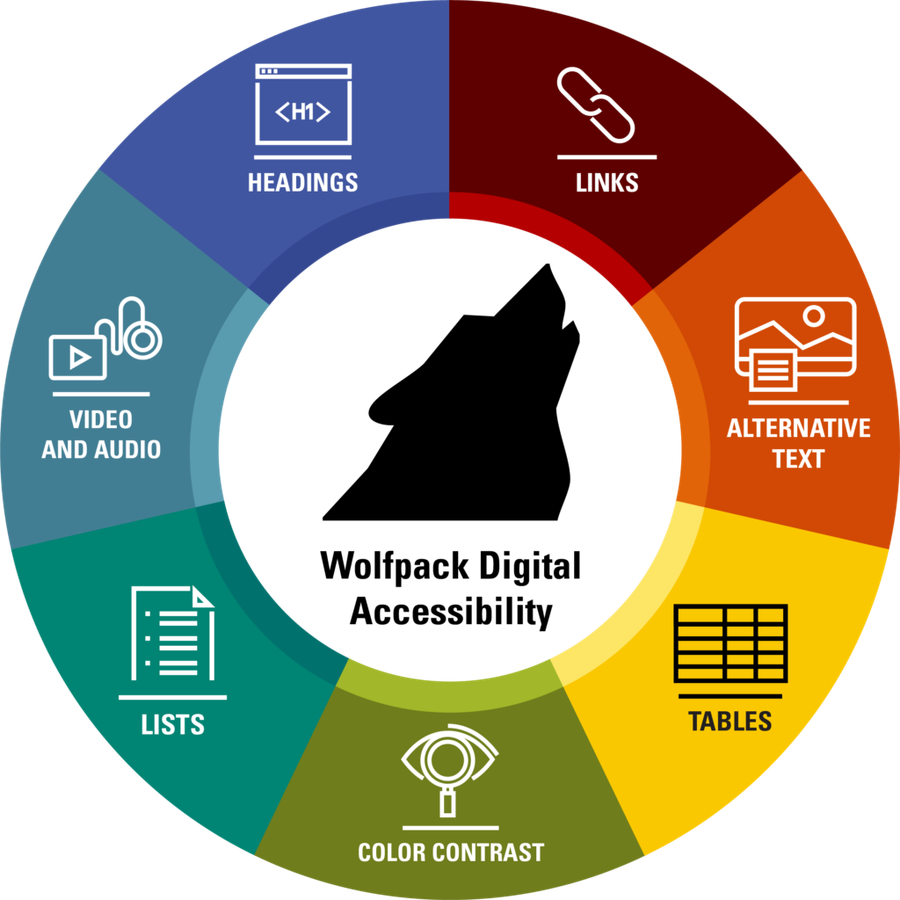
These tools scan a document and identify elements that may cause accessibility issues. They check for things like:- Missing alternative text on images
- Poor color contrast
- Improper heading structure
- Non-descriptive link text
- Unlabeled form fields
- Tables without headers
- Language not specified
Popular Accessibility Checkers
Here are some commonly used tools:- Add to Google Workspace as an add-on
- Available for Docs, Slides and Sheets
- Finds issues and offers tips for fixing them
- Export to PDF feature allows you to export accessible PDFs easily
- Built into Microsoft Word, Excel and PowerPoint
- Finds issues and offers tips for fixing them
- Accessible via Review>Check Accessibility
- Free tool for Windows
- For PDF files
- Provides a detailed WCAG and PDF/UA compliance report
- Requires an NC State software license purchase
- For PDF files
- Includes a full accessibility report and options to fix issues directly
- Can check for tags, reading order, alt text and more
- Requires an NC State software license purchase
- For PDF files
- Can check for tags, reading order, alt text and more
- Can automate the accessibility process
- Training tutorials
Why It Matters
Accessibility isn’t just about compliance with standards like WCAG, Section 508, ADA and PDF/UA. It’s about access — ensuring everyone can read, navigate and interact with your digital content.If you have questions about document accessibility or want to schedule a departmental professional development session, contact Rebecca Sitton, university digital accessibility coordinator, at accessibility@ncsu.edu.
For More Information
Sign up for monthly training in Reporter if you want a hands-on guided learning experience to make documents accessible.
Original article: https://oit.ncsu.edu/2025/04/15/are-your-digital-documents-accessible/